Does Fast Charging Actually Damage Your Laptop Battery?
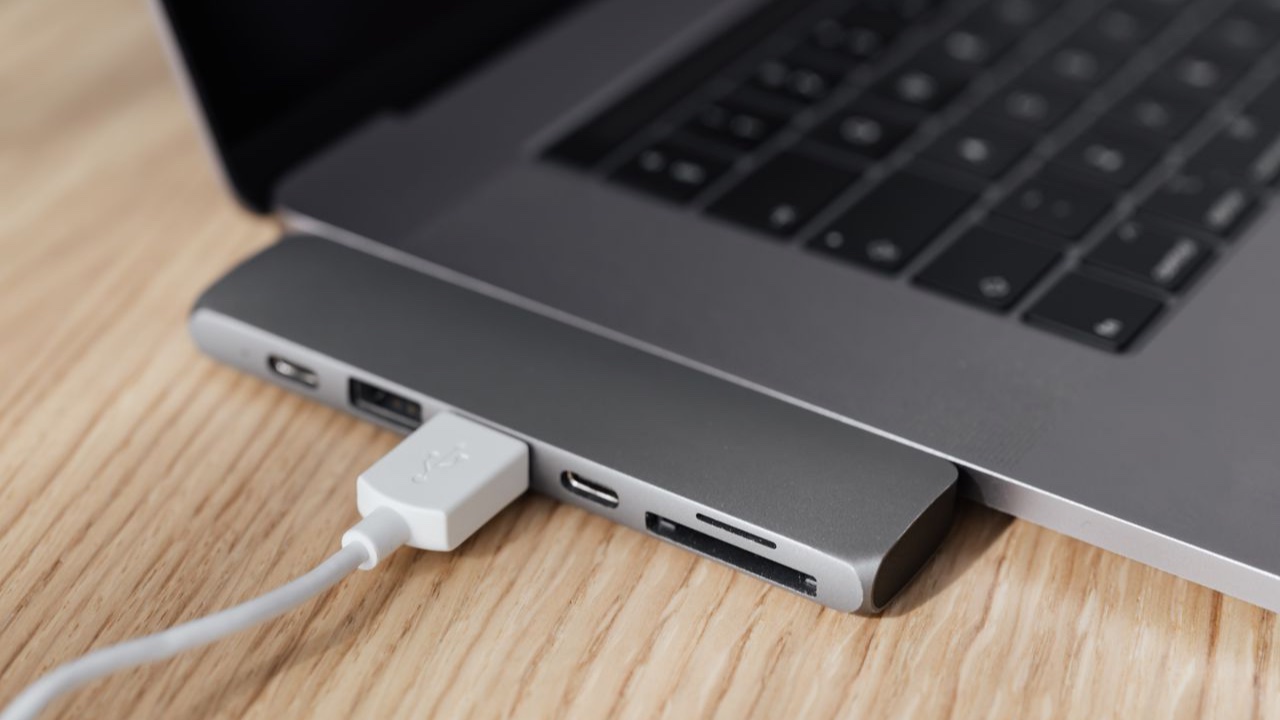
The fast charging conversation gets complicated quickly, mostly because people apply what they know about phone charging to laptops without realizing the two situations are quite different. When I started paying attention to how my own machines charged, I realized I’d been mixing up frameworks that don’t transfer cleanly between device categories.
The short answer is: laptop fast charging does accelerate battery wear to some degree, but the effect is smaller than most people assume, and the practical impact depends a lot on how charging actually works on your specific machine.
How Fast Charging Affects Battery Chemistry
Lithium-ion cells charge in two stages. The first stage — called constant current — pushes current into the cell at a fixed rate until it reaches around 80% capacity. The second stage — constant voltage — reduces the current as the cell approaches full charge, letting the voltage stabilize gradually to 100%.
The wear from fast charging happens primarily in the first stage. Higher current means more heat generated inside the cell, and heat accelerates the degradation of the electrolyte and the anode coating. It also increases the rate of lithium plating — a condition where lithium deposits form on the anode surface rather than intercalating cleanly into the anode material. These deposits reduce future capacity and, at extreme levels, can create internal short-circuit risks.
Fast charging isn’t unique in causing these effects — regular charging causes them too, just more slowly. The question is how much faster degradation accumulates with high-power charging compared to slower alternatives.
Laptop Charging Is Already More Conservative Than You Think
Here’s where laptops differ from phones in a way that matters: most laptop batteries are significantly larger, which means the same wattage produces a lower effective charge rate relative to battery capacity.
A phone battery might be 15–20Wh. A phone charging at 30W is charging at roughly 1.5–2x its capacity per hour — what engineers call 1.5C to 2C. That’s aggressive. A laptop battery might be 50–80Wh. A laptop charging at 65W is charging at around 0.8–1.3C — a much more moderate rate, even though the wattage sounds higher.
Modern laptop charging systems are also designed with thermal management in mind. The laptop’s power adapter and battery controller communicate through a protocol that adjusts the charge rate based on cell temperature, ambient conditions, and state of charge. When the cells get warm, the charge rate drops automatically. This is fundamentally different from a situation where you’re pumping constant high current into a cell regardless of what’s happening inside it.
The result is that most “fast charging” on a laptop is fast relative to older, lower-wattage adapters — not fast in the sense of pushing cells beyond what they’re designed for.
Where the Real Wear Comes From
Given all that, what actually wears out laptop batteries faster? The research on lithium-ion degradation is fairly consistent: sustained high temperature is the dominant factor, followed by spending long periods at high state of charge.
Fast charging contributes to heat during the charge session, but the heat dissipates once charging is complete. Leaving a laptop plugged in at 100% all day generates lower temperatures than fast charging, but it sustains a high state of charge across hours and hours of use. The cumulative effect of that sustained high-charge stress is typically worse for long-term capacity than the brief heat spikes from faster charging.
This is counterintuitive — people worry about fast charging but leave machines sitting at 100% without a second thought, when the latter is often the bigger factor.
Charger Compatibility Matters More Than Speed
The more meaningful question for battery health isn’t whether to fast charge, but whether you’re charging with a compatible charger. Laptops negotiate charge rate with their power adapter — using a mismatched charger that can’t communicate properly with the battery controller can result in erratic current delivery that’s harder on the cells than a fast but properly regulated charge.
Using an underpowered charger also causes problems: the laptop draws power from both the adapter and the battery simultaneously when the adapter can’t supply the full load, which creates unusual discharge patterns that the battery management system isn’t designed to handle smoothly.
For a laptop battery to age well, it needs a charger that’s rated for the machine — correct wattage, correct connector, proper protocol support. That matters more than whether the charger tops up in 90 minutes versus two hours.
The Practical Takeaway
If you use fast charging occasionally when you need a quick top-up before heading out, the effect on long-term battery life is small — probably less than a few percent of capacity over the battery’s full lifespan. The cell chemistry is handling the heat the same way it handles any charge session; it just finishes sooner.
If you fast charge constantly while also leaving the machine at 100% all day in a warm environment, the combination adds up — but the fast charging is the smallest contributor of those three factors.
The habits that actually extend battery life are the less glamorous ones: keeping the laptop cool, using a charge limiter set to 80% if you’re at a desk all day, and not running the battery to zero regularly. Whether you charge at 45W or 90W is a secondary consideration compared to temperature and state-of-charge management.